
My first game: Star Island
About 15 minutes, on your own computer. You need a terminal and some curiosity, not programming experience.
Nothing to install at all? Do the same in the Studio, in your browser: Open the Studio
In about 15 minutes you will have your own cozy 3D island walk, connected to AikaHub: login, nickname, level, achievements — and you walk the island as your own AikaHub character. No programming background needed — just a terminal (command line) and some curiosity.
1. Install Node
Download the Node.js LTS version from nodejs.org and install it. Then, in a terminal:
node -vIf you see v18 or higher, you are ready.
2. Download the game
On the Developers page, download the English island starter (aikahub-island-en.zip), unzip it and open a terminal in the aikahub-island folder.
3. Start it and play
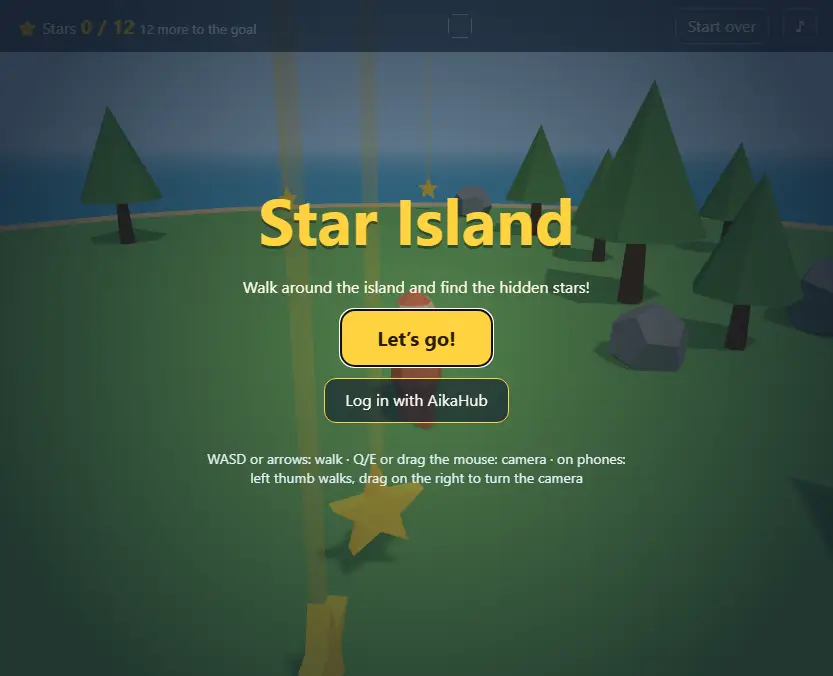
npm run devOpen http://127.0.0.1:5173/ in your browser and press Let’s go!. Walk with WASD or the arrow keys, turn the camera with Q/E or by dragging the mouse. On a phone: your left thumb walks (a little stick appears under it), drag on the right to turn the camera. Every star you walk into counts; the first one earns the First Star achievement.
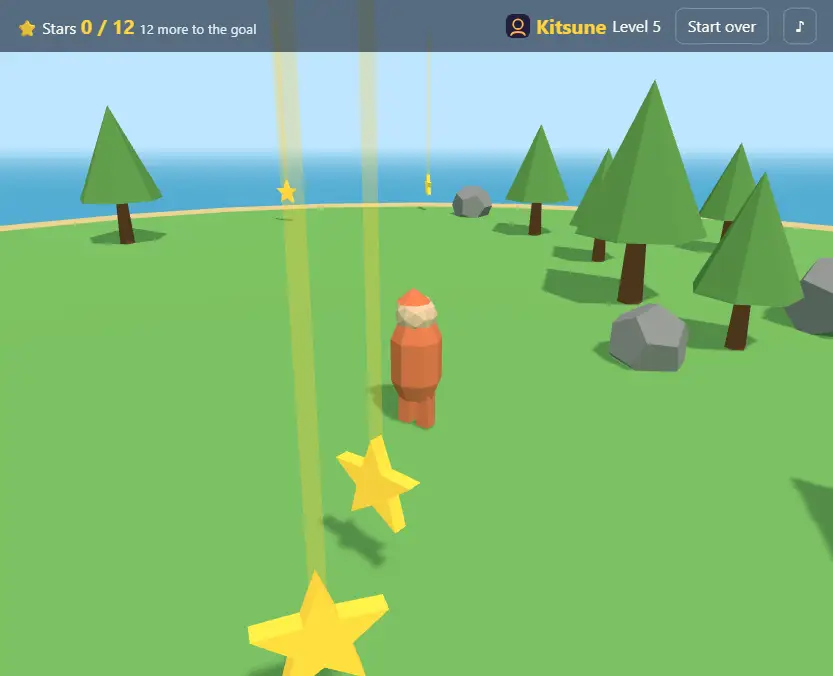
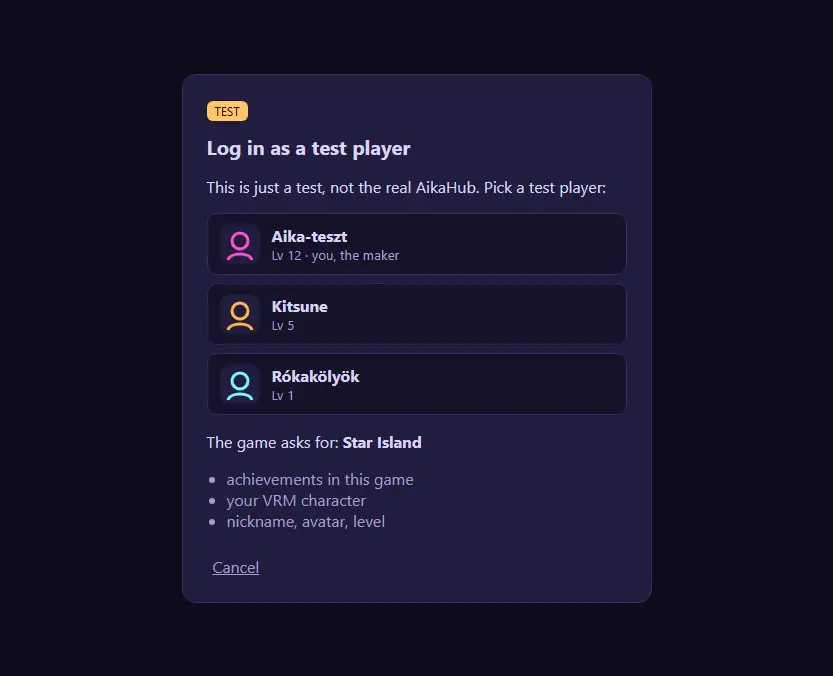
Click Log in with AikaHub: for now this is the local Mock Hub, a tiny "pretend AikaHub" on your computer. Pick a test player (e.g. Kitsune). The achievements you earned before logging in arrive now. You see them in the terminal too (ACHIEVEMENT Kitsune …first-star +10 XP) and on the Mock Hub page: http://127.0.0.1:8788/
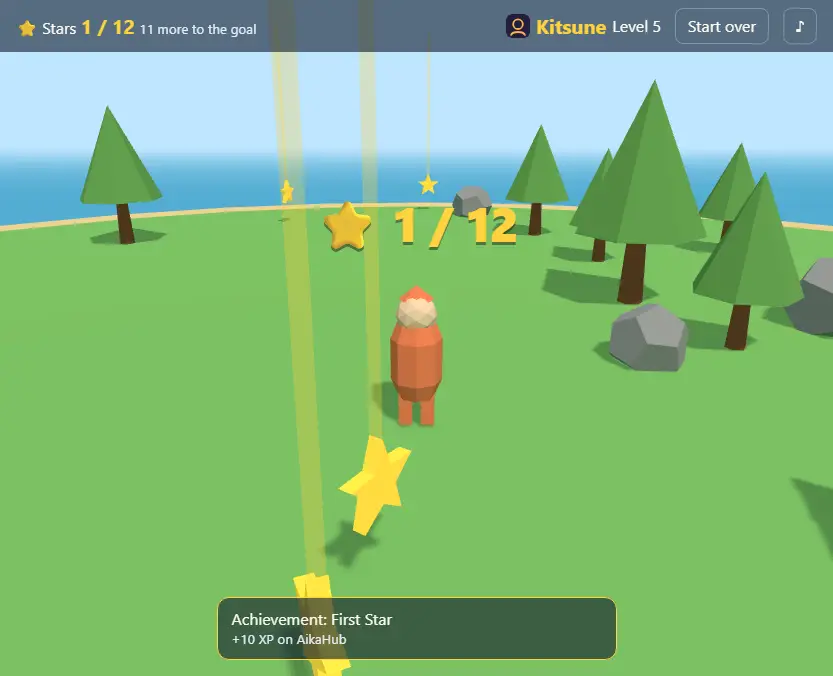
Your own character: on the real AikaHub the game loads the character you chose under My character. With the Mock Hub there is none yet, so a simple stand-in figure walks — to try it locally, see mock-hub/characters/README.txt.
4. Make it yours
Open the folder in an editor (e.g. VS Code). Everything that changes the game is in src/game.config.js:
- Name:
"name"inaikahub.config.json, plus<title>and<h1 id="title">inindex.html. - Colours:
COLORS(e.g.item: 0xff7ad9for pink stars,sky,grass,water). - Rules:
TUNING— walk faster (walkSpeed: 8), more stars (items: 20), an easier goal (goalItems: 8). - The island:
WORLD— a bigger island (islandSize: 24), more trees, or anotherseedfor a new layout.
Save, reload the browser (F5). It is your game now.
The walk saves itself in the browser: close it, come back, and the stars you found stay found. If you changed the stars, the goal or the island, a fresh walk starts so you see the change at once. Want to start again anyway? Start over (top right).
Psst: somewhere at the edge of the island something small is hiding. Walk around and look behind the rocks.
5. Ask your AI to help
The folder has an AGENTS.md (and a CLAUDE.md): your AI assistant learns the project and its rules from it. Try:
Add seashells as a second kind of collectible on the beach, with their own counter in the HUD. Follow AGENTS.md, write the comments in English, and run
npm run checkat the end.
6. Connect the real AikaHub
You need an AikaHub account with a verified email address, and you must be 18 or older.
- Open the Developer console: aikahub.com/developers/console, accept the Developer Agreement and the SDK License.
- New client: a
client_idstarting withx-, the game's name, and the redirect URIhttp://127.0.0.1/. - In
aikahub.config.jsonset"clientId"to your id and"hub": "https://aikahub.com". - In the console's Achievements step, Import the
achievementsarray ofaikahub.config.json.
npm run dev, log in again: now the real AikaHub asks whether you let the game in (and see your character), your own character walks the island, and your achievements arrive as test unlocks (no XP, only you and your testers see them) until the game is on the Játéktér.
7. Submit it to the Játéktér
Put the game on an https address (the folder without server/, tools/ and mock-hub/), add that address to the redirect URIs, fill in the Playground page in the console and Submit. We review it, and then anyone can play.
Questions? Write to info@aika.hu · Developer guide: aikahub.com/developers